Tower Realm System Requirements
A light Windows client for a heavy thinking game.
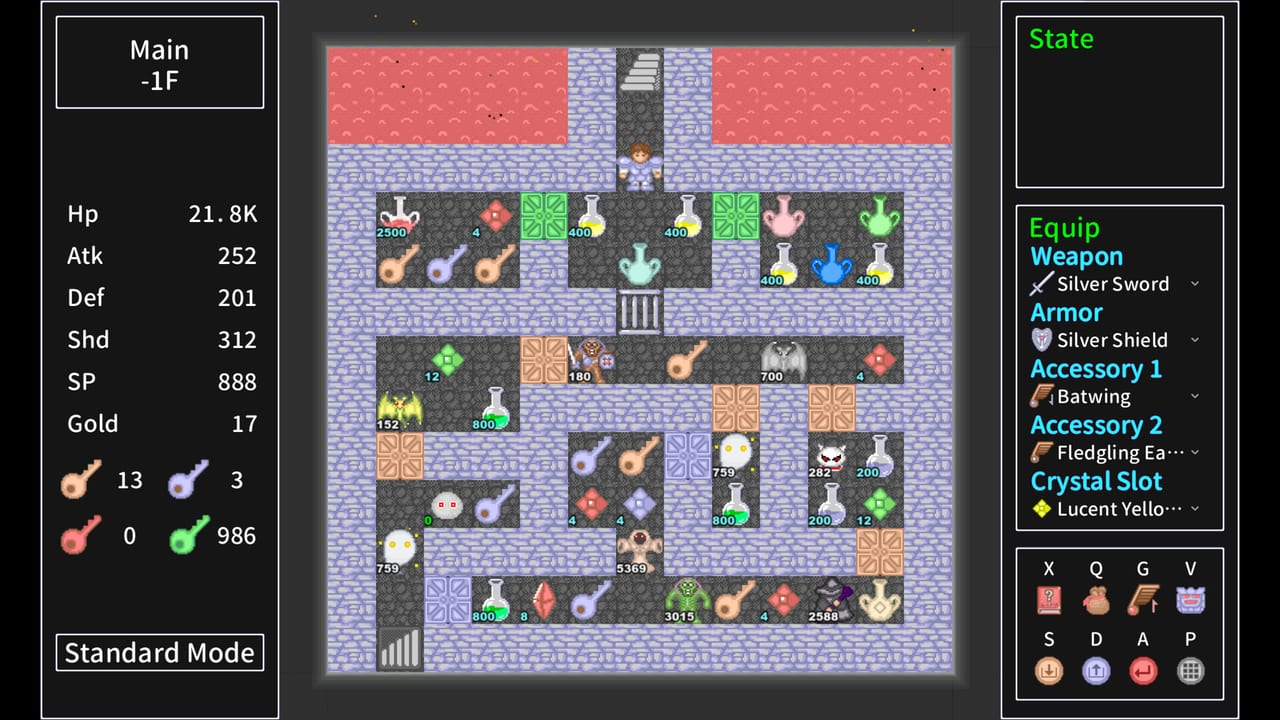
Tower Realm is listed as Windows-only on Steam. There is no Mac requirement block and no Linux requirement block. If you are on those platforms, this page is a stop sign, not a Proton essay. The numbers below are copied from the store’s English appdetails payload so you can read them next to Getting started.
Minimum
- OS: Windows 10 or newer
- CPU: Intel Core 2 Duo E8200 or AMD FX-4100
- Memory: 4 GB RAM
- GPU: Intel HD Graphics 510 (Skylake) or AMD Radeon R5 Graphics (Kaveri)
- Storage: 2 GB
- Sound: NVIDIA High Definition Audio (store wording)
That CPU line is old. A 2016 office laptop that still runs Windows 10 is in the conversation. Integrated graphics from Skylake is the floor. If your machine cannot open other 2D Steam pixel games, do not expect a miracle here.
Recommended
- OS: Windows 10 or newer
- CPU: Intel Core i5-6600K or AMD Ryzen 5 1600
- Memory: 8 GB RAM
- GPU: NVIDIA GeForce GTX 1050 or AMD Radeon RX 460
- Storage: 4 GB
- Sound: NVIDIA High Definition Audio
Recommended is still a 2016-era box. The jump from 2 GB to 4 GB of disk is the line to watch if you also install both launch DLC packs. GPU horsepower is not the genre bottleneck. Your bottleneck is whether you will use the calculator.
What the store does not promise
Steam Deck compatibility was listed as unknown on third-party scrapers before launch. Do not treat this wiki as a Deck verification. Cloud is a category on the store; a demo player already asked whether it transferred. Test it. Family Sharing is listed. There is no controller-first pitch. Controls assume a keyboard.
Age labels from IGRS, DEJUS, and STEAM_GERMANY sit around 12–13 for violence and language. This is not a horror product. It is a puzzle RPG with combat.
Practical setup
Install on an SSD if you have one, not because the game is huge, but because Steam and Windows updates already are. Integer scaling beats blurry fullscreen on a 1440p monitor. Windowed mode helps if you keep this wiki beside the game — which you should, at least for Destined Melody hour one.
If the launcher fails to start, verify game files, then check GPU drivers. If a specific tower fails, it may be that chapter’s engine, not the whole collection. The Towers Hub reminds you that several amateur engines share one shelf.
Power users do not need a 4070. They need patience, items discipline, and the review honesty that this is a $4 thinking toy. Official store specs can change; if they do, this page should move with the Updates Hub. Until then, treat the list above as the 2026 launch snapshot. Store URL is on the links page. If you are installing on a work laptop, close heavy browsers before the first launch so 4 GB RAM machines have a chance. If the pixel scale looks muddy, look for integer scaling before you blame the GPU. If a tower stutters only in rhythm sections, that is a Rhythm Cultivation issue, not a reason to refund the whole launcher. Keep Getting started next to this page on first boot, and keep combat next to it once the handbook is on screen.
Frequently Asked Questions
Quick answers to the most common Tower Realm questions.
Can I run Tower Realm on Mac or Linux?
Steam lists Windows only. There is no official Mac or Linux requirements block.
How much disk space do I need?
Minimum 2 GB, recommended 4 GB. Budget extra if you install both launch DLC packs.
Is it Steam Deck verified?
Not as an official claim in the store data we used. Do not assume Deck support from this wiki.